
8 Best Stock Photography Sources for Canva Template Designers (2026 Guide)
If you sell Canva templates, stock photography is not filler.
It is positioning.
The imagery inside your templates determines:
Whether your product feels premium or generic
Whether it stands out on Etsy or Creative Market
Whether buyers trust your design instinct
Whether your pricing feels justified
IMost template designers obsess over fonts and layouts. Very few treat stock sourcing as product architecture. That’s a mistake.
If you’re building passive income through Canva templates, this guide breaks down the eight stock photography sources designers actually use — and how to use them strategically.
Last Updated: February 2026

Why Stock Photography Is a Conversion Lever
When someone buys a Canva template, they’re not just buying structure.
They’re buying:
Aesthetic judgment
Visual taste
A curated starting point
A feeling of professionalism
Strong typography on weak imagery feels amateur.
Strong imagery on simple typography feels intentional.
This is especially true for:
Instagram template bundles
Pinterest pin kits
Media kits
Service brochures
Brand guidelines
Real estate marketing kits
Wellness and lifestyle social packs
Stock photography affects perceived value more than most designers realize.
If your goal is scalable digital income, sourcing decisions matter.
Quick Comparison
Best for Mockups & Presentation: Moyo Studio
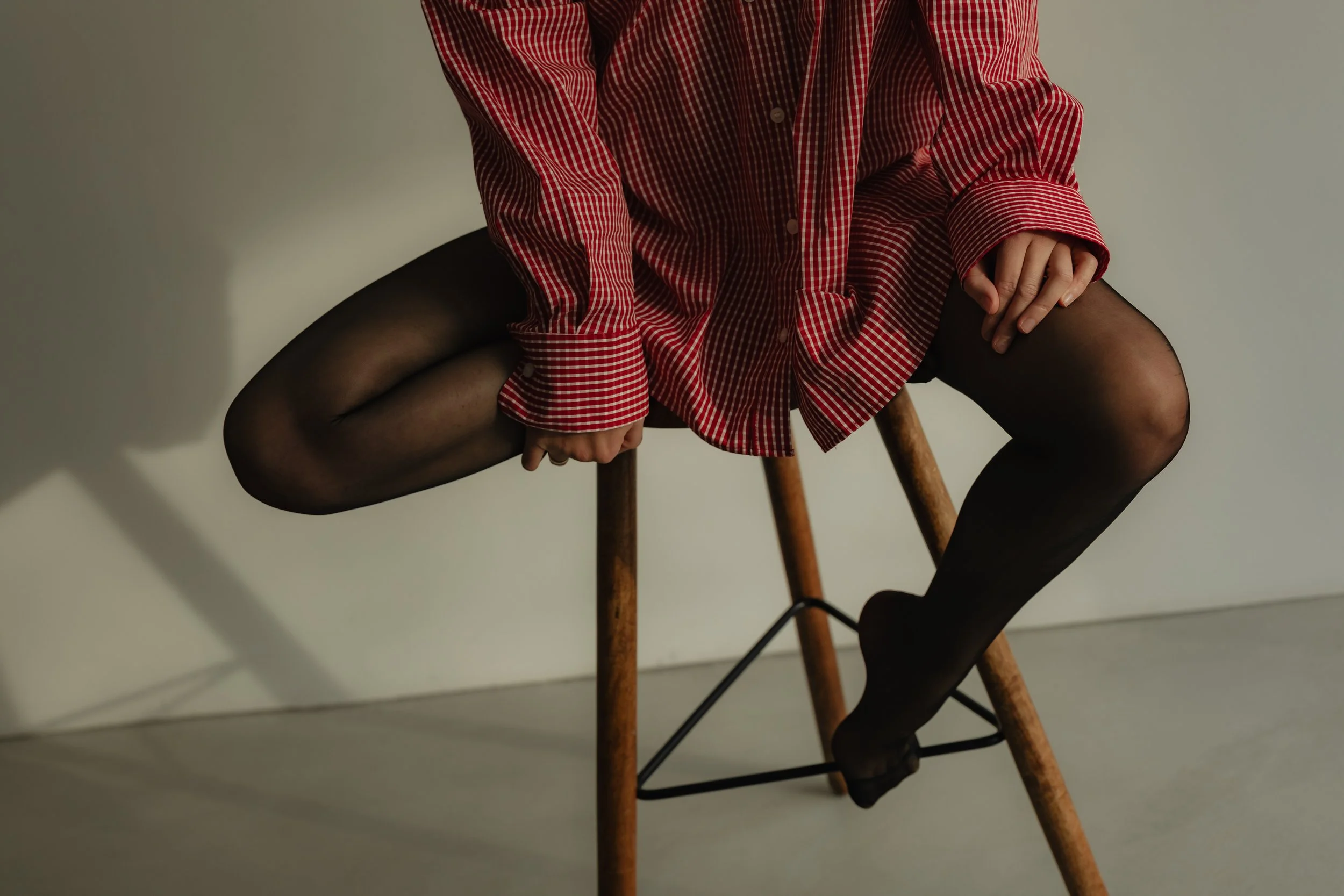
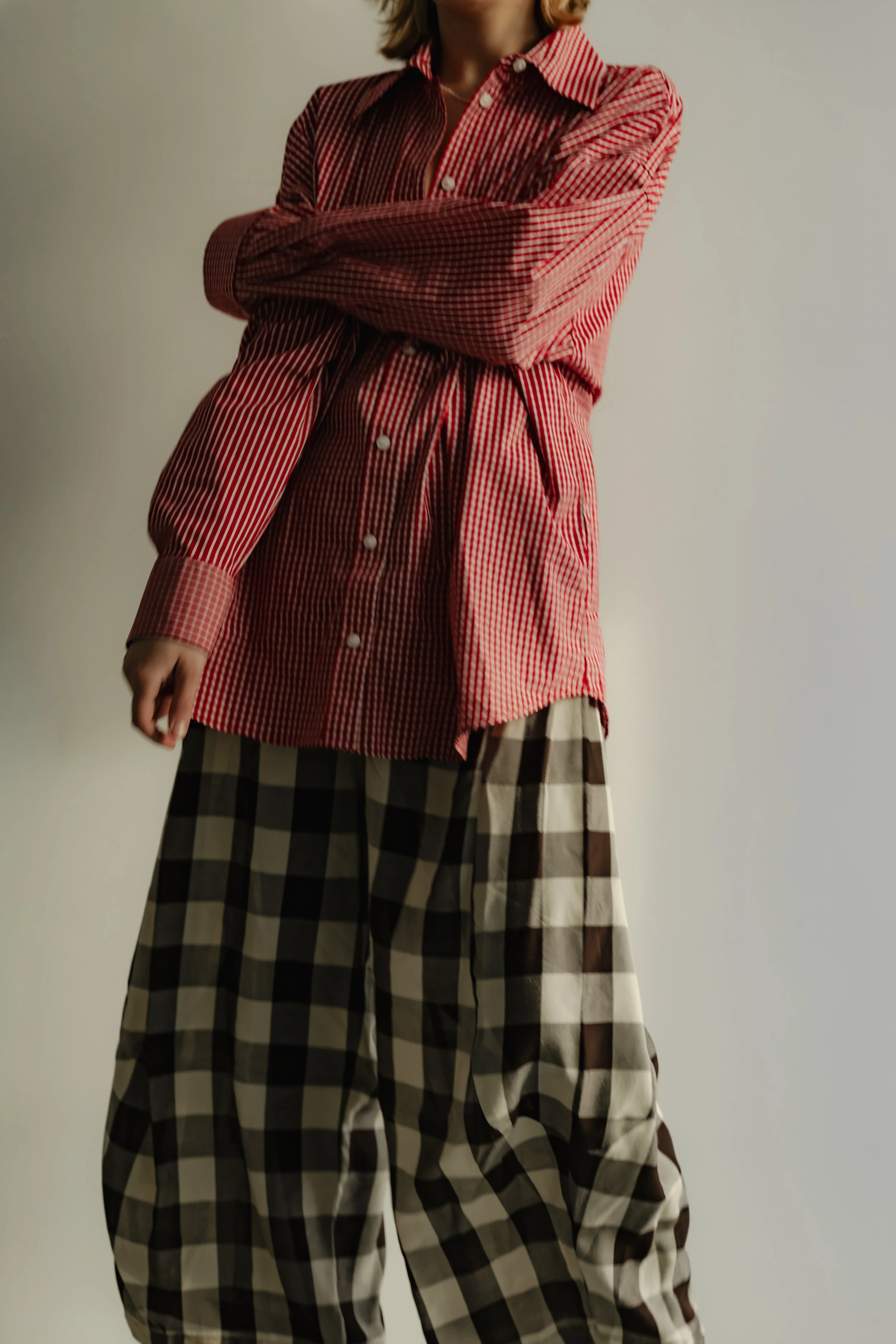
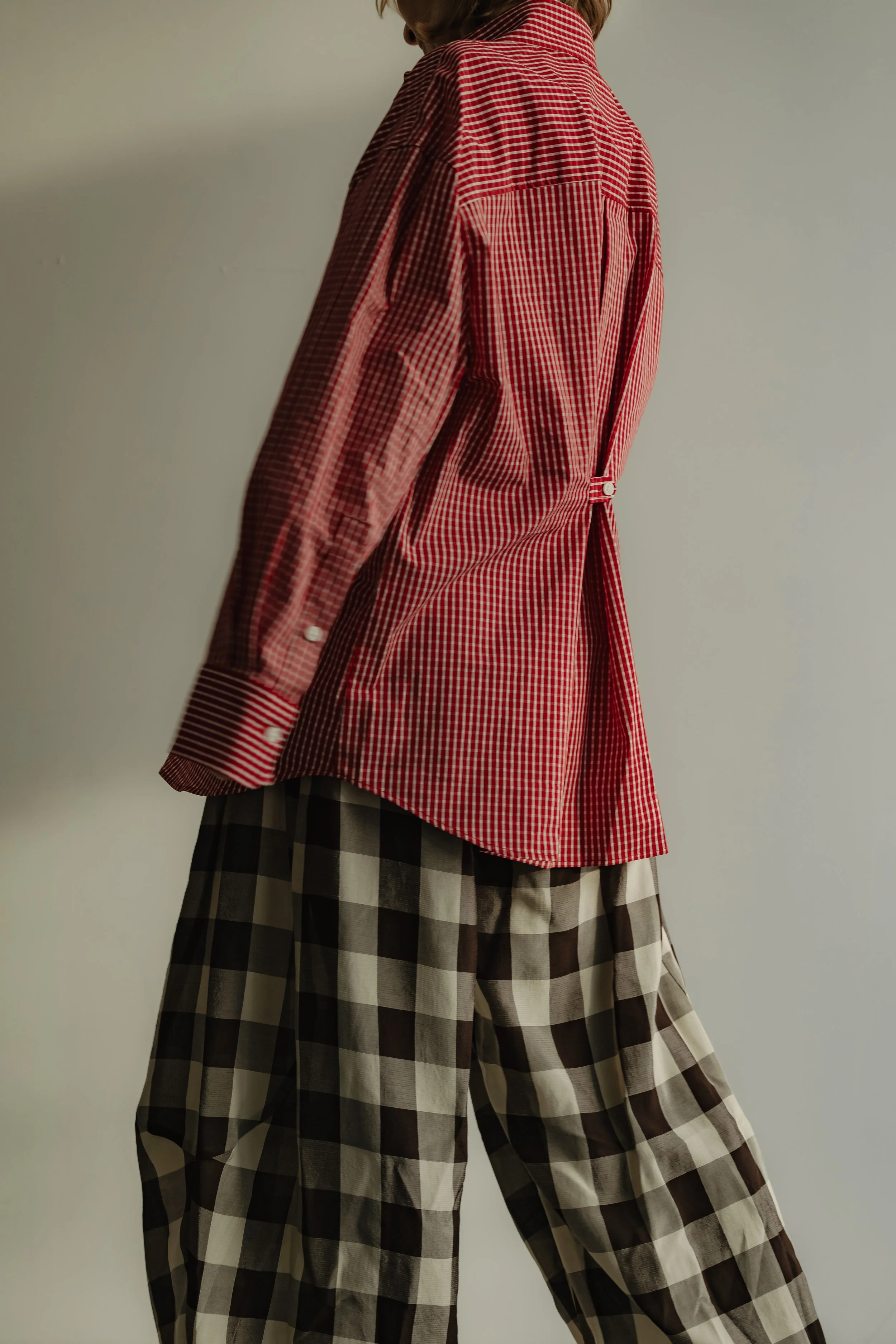
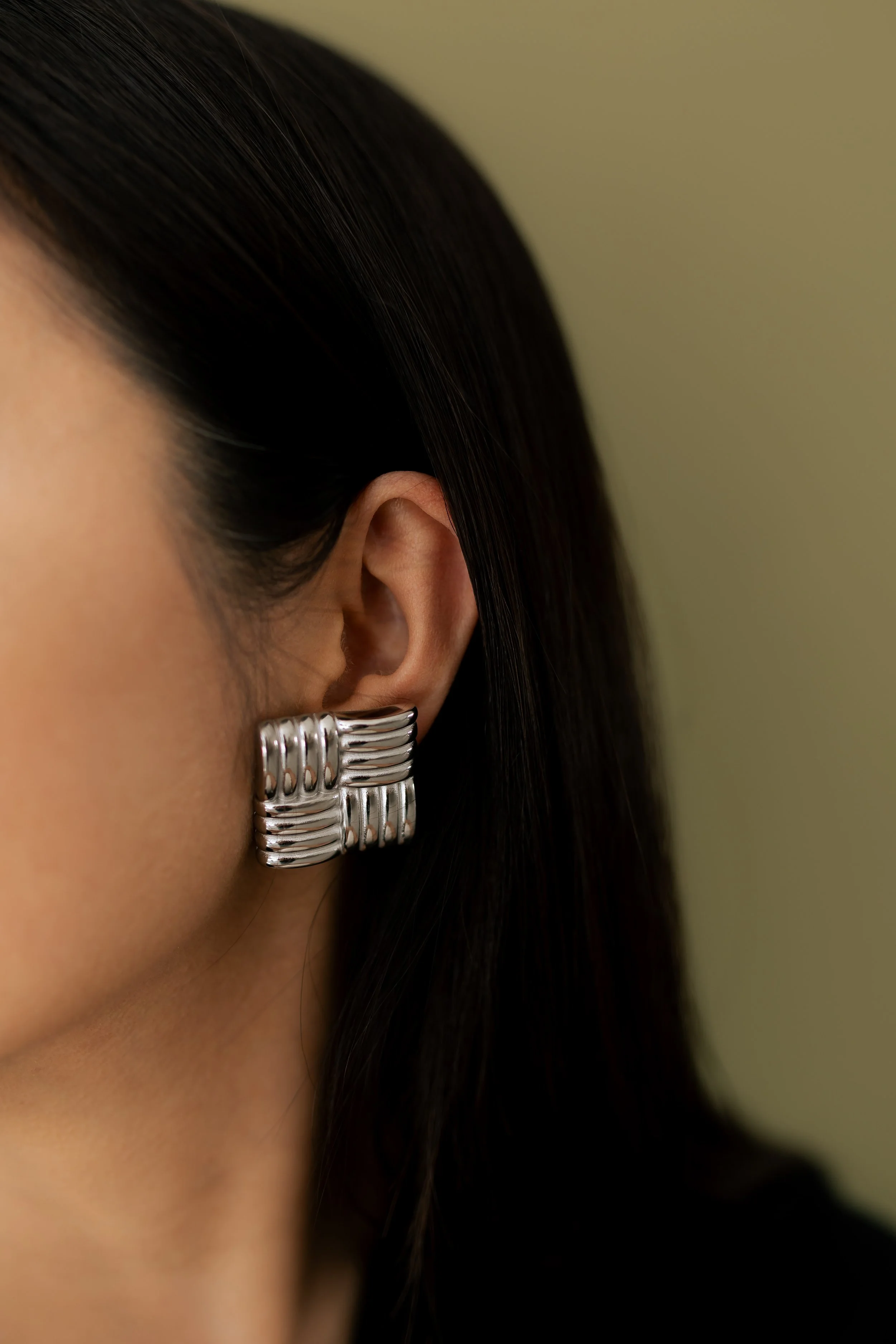
Best Premium Editorial: Stocksy
Best for Business Templates: Adobe Stock
Best Free Lifestyle Option: Kaboompics
Best for Prototyping: Unsplash
Best for Bundled Assets: Creative Market
Best Free Alternative: Pexels
Best Volume Access: Envato Elements
1. Moyo Studio
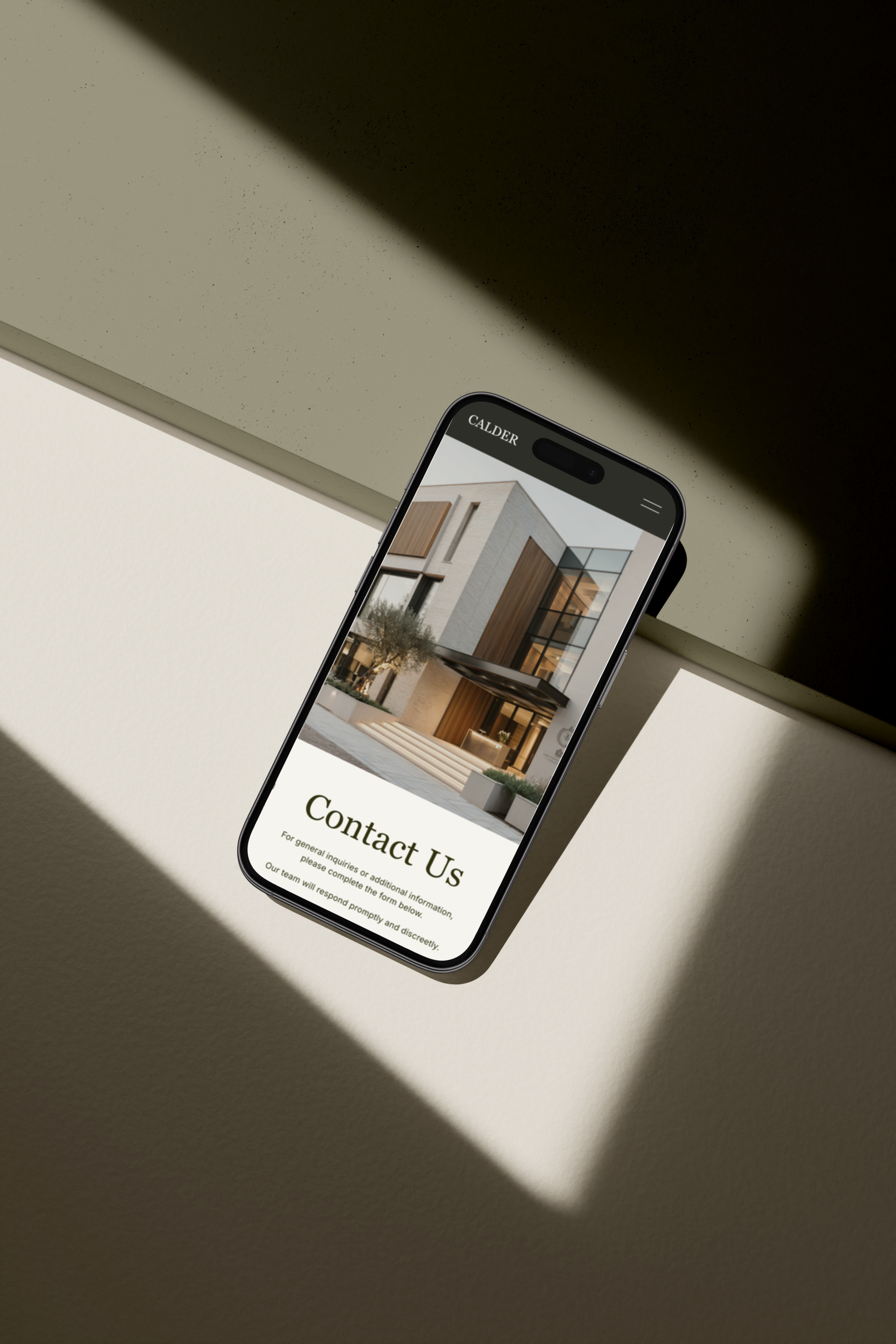
Best for Canva template mockups and product presentation
Moyo Studio is not traditional stock photography. It specializes in high-end mockups and styled scenes designed specifically for digital product creators.
If you’re selling Canva templates, presentation is part of the product.
Why designers use Moyo:
Editorial iPad and laptop mockups
Styled Instagram feed scenes
Neutral, cohesive aesthetic
Clean negative space
High-resolution product display environments
When your Etsy listing includes a strong mockup, your template immediately feels more established.
Buyers associate polished presentation with credibility.
Moyo is especially effective for:
Instagram template bundles
Pinterest kits
Brand identity Canva packs
Social media management templates
If your product looks elevated, it converts better..
2. Stocksy
Best premium stock photography for higher-priced Canva bundles
Stocksy operates as an artist-owned cooperative, which elevates overall quality.
Why it matters for template designers:
Authentic lifestyle imagery
Natural lighting
Editorial composition
Elevated color grading
Lower saturation compared to free platforms
If you’re charging $39–$79+ per Canva template bundle, premium imagery supports that price.
Templates aimed at:
Beauty brands
Wellness coaches
Boutique consultants
Interior designers
Fashion businesses
Benefit significantly from higher-end imagery.
Premium visuals create subtle authority.
Buyers feel the difference, even if they don’t consciously analyze it.
For a deeper comparison of editorial vs commercial imagery, read:
→ Also Read: Editorial Stock Photography vs Traditional Stock: What Designers Should Know

3. Adobe Stock
Best for structured business templates
Adobe Stock is powerful because of its filtering system.
If you’re building:
Corporate pitch decks
Real estate marketing kits
Financial service templates
Professional proposal layouts
Agency presentation decks
Precision matters.
Adobe allows filtering by:
Copy space
Orientation
Depth of field
Color
Model release
Industry category
That level of control saves time and protects hierarchy.
When designing clean Canva templates, copy space is critical. If the image fights your text, your layout collapses.
Adobe Stock gives you control.

4. Kaboompics
Best free stock photography for Canva creators
Kaboompics stands out among free platforms for its editorial look and feel.
Strengths:
Styled lifestyle photography
Interior-driven visuals
Fashion-forward compositions
Downloadable color palettes
Cohesive aesthetic sets
Kaboompics is particularly strong for:
Wellness templates
Pinterest graphics
Blog promotional visuals
Coaching brands
Interior and lifestyle businesses
Because it’s free, overuse is a risk.
Curate carefully.
Avoid overly recognizable images that appear in dozens of Etsy listings.
When used strategically, Kaboompics offers tremendous value.
For more free stock options, see:
→ Also Read: Top 10 FREE Stock Image Websites for High-End Editorial Design

5. Unsplash
Best for prototyping and early-stage testing
Unsplash is widely accessible and widely used.
That’s both its strength and its weakness.
Best use cases:
Validating layout structure
Testing typography hierarchy
Creating placeholder mockups
Early concept builds
Avoid using heavily overexposed Unsplash imagery in final paid products.
Free distribution often equals visual saturation.
If you use Unsplash:
Search narrowly
Avoid cliché lifestyle images
Maintain tonal consistency
Re-crop for negative space
Unsplash is a prototype tool, not a premium differentiation strategy.

6. Creative Market
Best for cohesive niche bundles
Creative Market often sells photography in themed packs.
Examples:
Beauty brand collections
Travel lifestyle sets
Real estate interiors
Fitness coaching imagery
Minimal workspace scenes
Bundled photography improves visual consistency across your templates.
Instead of mixing unrelated stock images, you maintain tonal alignment.
For Canva sellers building multiple product lines, cohesive packs reduce fragmentation.
This is especially useful for designers scaling digital product libraries.

7. Pexels
Best free alternative stock platform
Pexels is frequently overlooked by more advanced designers.
However, with careful searching, it offers:
Clean workspace imagery
Minimal lifestyle visuals
Neutral backgrounds
Business-forward photography
Like Unsplash, discipline is required.
Avoid highly staged or overly trendy images.
When used selectively, Pexels can support early-stage Canva products without upfront cost.

8. Envato Elements
Envato Elements offers:
Photography
Mockups
Graphics
Icons
Presentation assets
For designers producing at scale, subscription access provides flexibility.
However, volume increases the need for curation.
Without strict aesthetic control, templates risk feeling generic.
Envato works best when:
You maintain a strict visual palette
You pre-select image themes
You avoid mixing drastically different lighting styles
Used carefully, it becomes a powerful resource.



A Smart Stock Strategy for Canva Sellers
If you’re serious about building passive income, consider this tiered sourcing model:
Stage 1: Prototype
Use Unsplash or Pexels to validate layout.
Stage 2: Upgrade Key Visuals
Replace hero imagery with Stocksy or Adobe Stock.
Stage 3: Standardize Tone
Maintain consistent lighting, color, and composition across all templates.
Stage 4: Elevate Presentation
Use Moyo Studio mockups for Etsy and Creative Market listings.
Templates that feel cohesive convert better.
Random imagery lowers trust.

Legal Considerations for Canva Template Designers
Always verify licensing terms before including stock imagery in templates.
Some platforms allow inclusion in digital products only if:
The image is flattened
It cannot be extracted
It is part of a broader design
Never resell raw stock images.
If unsure, review the platform’s commercial use and redistribution policies.
This protects both your brand and your revenue stream.
How This Connects to Your Larger Design System
Stock photography should not be chosen per product.
It should align with your broader template ecosystem.
Ask:
Does this image align with my existing palette?
Does it support my typography hierarchy?
Does it feel durable long-term?
Does it reinforce my positioning?
If you’re building a scalable template business, cohesion matters.
For a broader look at stock sourcing for designers, see:
→ Also Read: 5 Best Stock Photography Sites for Graphic Designers (2026 Picks)
And if your goal is monetization:
→ Also Read: Design Once, Earn Often: How to Sell Canva Templates for Passive Income

Final Thoughts
Designers who earn meaningful passive income from Canva templates do not choose images randomly.
They curate.
They control tone.
They standardize palettes.
They treat stock photography as product architecture.
Whether you start with free tools or premium libraries, the key is discipline.
Templates that feel intentional convert better.
Stock sourcing is not decoration.
It is positioning.
Related Reads
→ Also Read: 5 Best Stock Photography Sites for Graphic Designers in 2026
→ Also Read: Editorial Stock Photography vs Traditional Stock: What Designers Should Know
→ Also Read: Design Once, Earn Often: How to Sell Canva Templates for Passive Income
Stock sourcing is product architecture.
Selection is positioning.
